


When it comes to your data, the cloud or a server in the office aren't the only choices. Colocation in a data centre allows you to put own hardware in a facility built for the job.
When it comes to storing business data, it can feel like there are only two choices: the cloud, or a server in the office.
Both have good and bad points. But there's a third option, which for many businesses can provide the best of both worlds.
The cloud promised simplicity, and for many types of workloads it delivers. But businesses can often find they need a consultant just to navigate the features and the pricing, and the costs have a way of constantly growing. You're also trusting your data to someone else's hardware, which, under laws such as the US CLOUD Act, can result in foreign governments having legal access to it even if it's stored in the UK. And once you've committed to a cloud platform, leaving again is rarely quick or easy.
There are other reasons why you might leave the cloud. We wrote about some of them in our article, six reasons businesses are leaving the cloud.
A server in the office is the obvious alternative to the cloud. It gives you back control, but it also puts your business-critical hardware and data inside a building designed for people, not servers.
Office buildings are rarely equipped to handle power cuts or network outages. Modern offices often have air conditioning, but it rarely runs 24x7, and what happens if it breaks? Other scenarios include a fire, a burst pipe, a break-in, or simply a cleaner accidentally unplugging a server after everyone's gone home. Realistically, the office is rarely a secure place to store important data.
With colocation, you bring your own hardware into a secure space built from the ground up with reliability, redundancy and continuity in mind.
What you're actually renting is the environment: power, cooling, connectivity, security, and space in a rack. You get predictable performance and predictable pricing, on infrastructure that very few businesses could justify building for themselves.
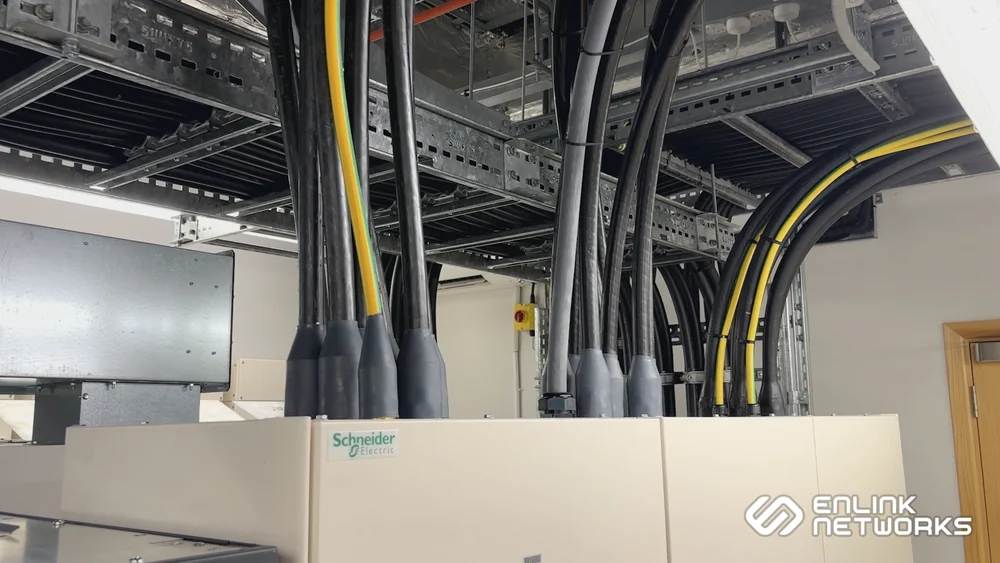
Redundant power feeds. The word 'redundant' might make it sound like it isn't necessary, but here it means that there are deliberately spare, independent power feeds to the rack, so that one can fail without the power going out.
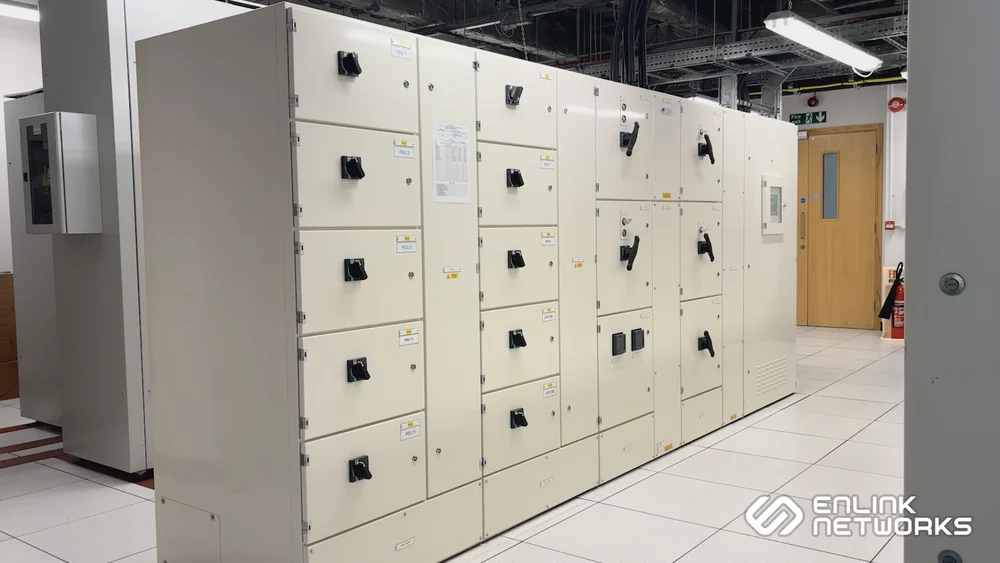
Uninterruptible Power Supplies (UPS). Unlike UPS systems designed for office use, which are intended to give you a few minutes to shut everything down cleanly, data centre UPS systems act as a filter to the mains supply, smoothing out spikes, sags, and short outages, as well as giving the generators enough time to kick in when needed.
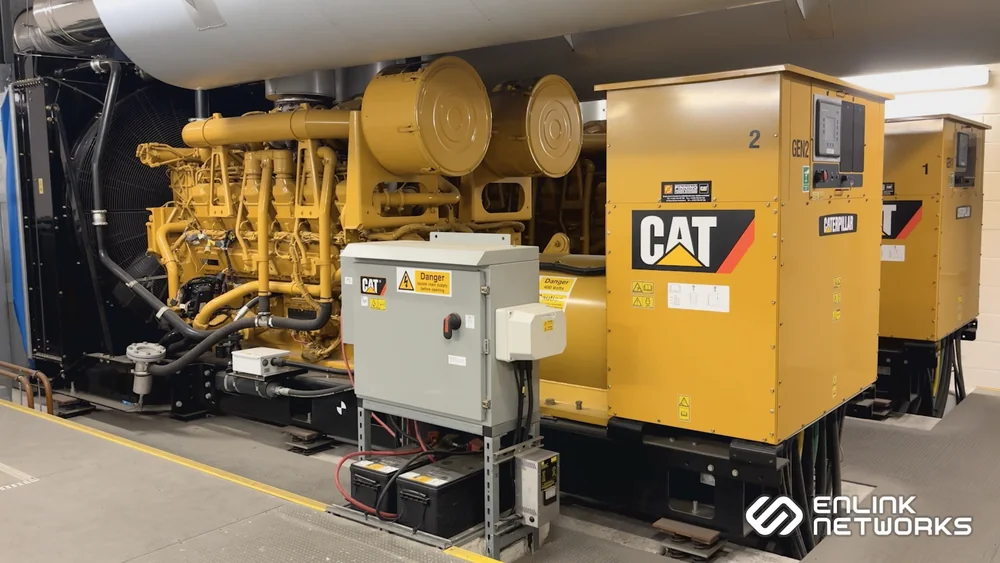
Backup generators. If the mains feeds should somehow go fully offline, diesel generators automatically take the load. They are equipped with multi-day fuel tanks, backed up with priority refuelling contracts, for an extended runtime, free of interruptions.
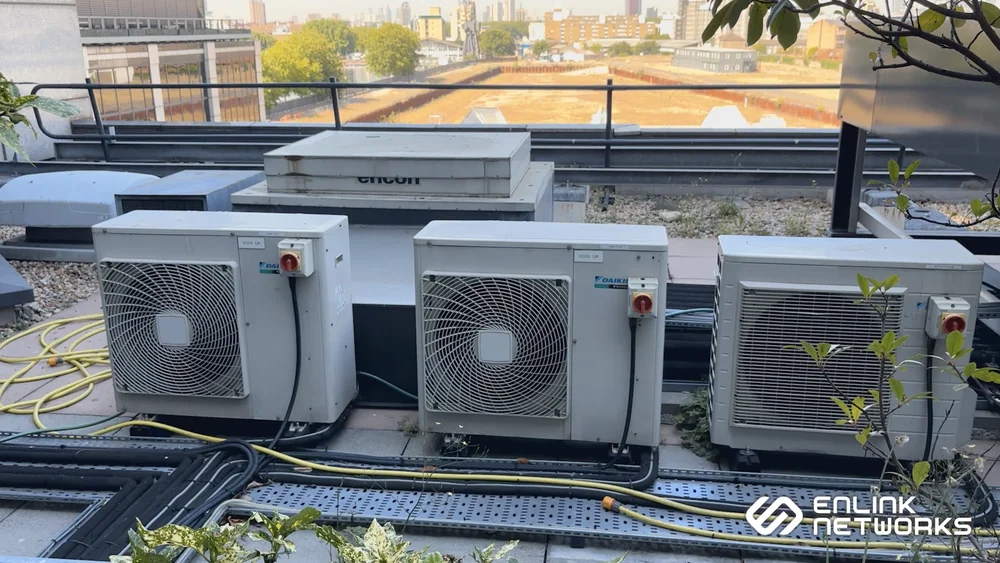
Cooling / air-conditioning. Most hardware likes to run in cool environments, which is where most office setups fail. Even offices with server rooms or cupboards equipped with dedicated air-conditioning, rarely have backup units in case one fails. A single heatwave could shutdown your equipment.
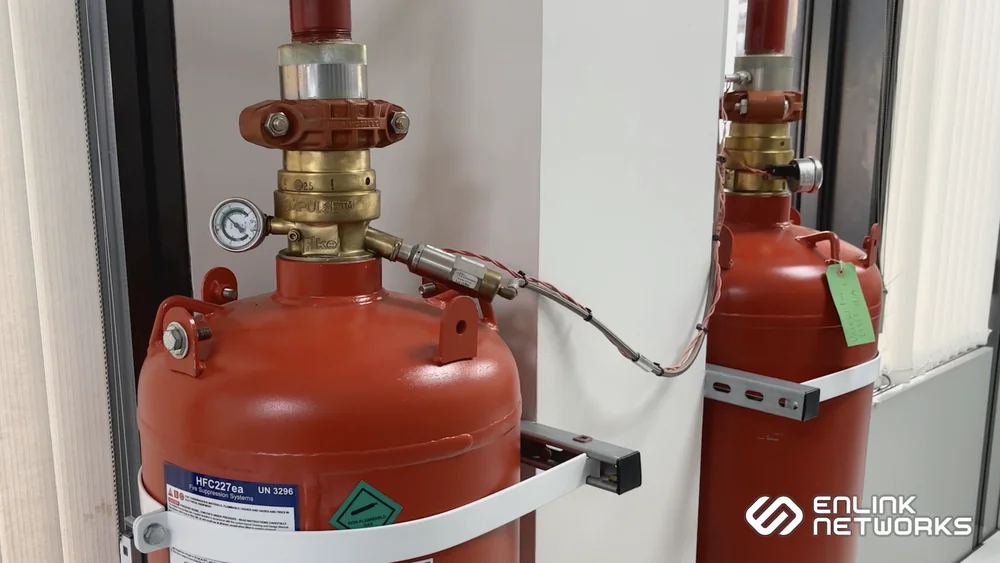
Fire detection and waterless suppression. Data centres are equipped with fire detection systems which pick up on a problem long before you see flames, and with suppression that puts it out without soaking the racks. A traditional water sprinkler would save the building, but kill every bit of equipment inside it.
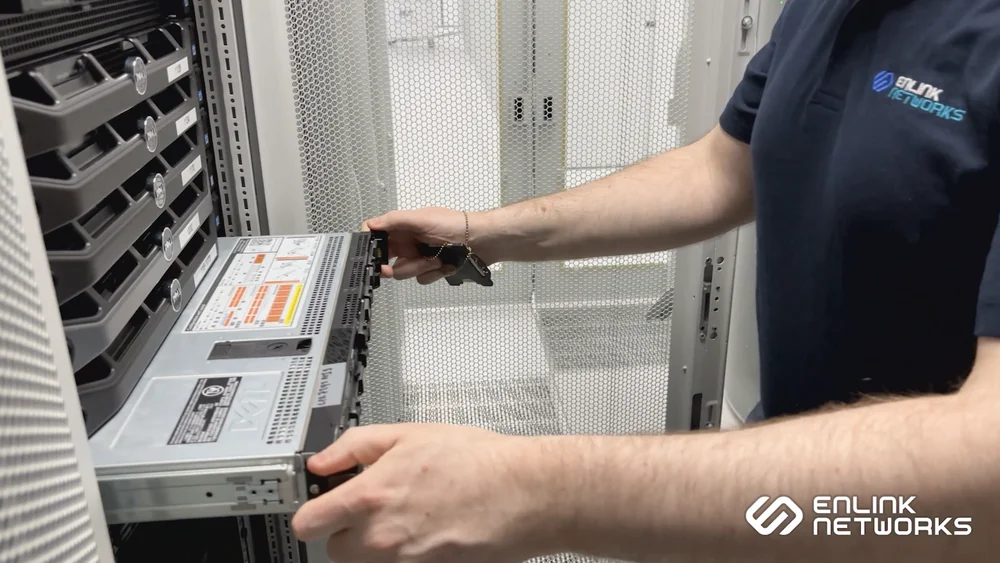
Engineers on site. One of the big attractions of keeping equipment in your own office is ease of access, whether to reboot a machine, swap a drive, or reseat a cable. But the data centre provides this too in the form of engineers on site 24/7 who can access your equipment at any time, day or night, rather than you having to drive across London.
Physical security. With manned security around the clock, access control throughout the buildling, CCTV, and locks on individual rack doors, your equipment's safety is assured.
Many people think that colocation is only for big businesses filling rows of cabinets. While it's true that most data centres do have minimums that put them out of reach for most smaller businesses, at Enlink we host anything from a single rack server or NAS drive, up to multiple dedicated racks.
This includes
These machines often start life in the office either as a stop-gap, side-project, or a cheap alternative to a 'proper' server, but then the business grows around them, at which point they may become the perfect candidate for colocation.
A big advantage of having your data on your own hardware, in a building you can actually visit, is that you can get the data back fast if disaster strikes.
Downloading terabytes of data from the cloud can take days or even weeks, depending on the amount and the speed of your connection. With colocation, there's no need to download it. The data is already on your own equipment, simply book a visit to come and collect it.
Colocation isn't complicated, but it's worth asking yourself these questions early
How much space and power does my equipment need?
Usually less than you'd think, but costs are affected by both, so we'll need these to quote accurately.
How will I reach my hardware remotely?
For standard access, you can connect via Remote Desktop (RDP) or SSH. If that becomes unavailable for any reason, dedicated server hardware usually includes out-of-band management (OOBM). Remote hands and KVM-over-IP (KVMoIP) are also available for troubleshooting other devices.
How often do I need physical access?
Most modern hardware is reliable and hardly ever needs physical intervention. Really the only need to visit is to install more RAM or other hardware upgrades, which our remote hands service can often assist with. Most customers they rarely need to visit beyond the initial setup.
How is the data backed up?
Backups are still your job. We provide the safe environment for the hardware. The data on it is your responsibility. Hardware or software can fail, irrespective of the environment, so backups need to be part of your plan.
Colocation puts your data on your hardware, under your control, hosted in a facility designed to keep it running uninterrupted.
You don't hand over control, you don't get locked into a platform, and you don't lay awake at night wondering whether the office will overheat at the weekend.
For more information, visit our Colocation Rackspace page or contact us with your questions.
