


If the problem is only affecting a single device, it's unlikely to be a network issue. If your device is managed by a support team or department, contact them for help — or try some of the possible solutions below.
Too many browser tabs open? — Close your browser and reboot if possible.
Too many applications open? — Quit any apps you don't need and reboot if possible.
VPN interference? — Check whether it should be on or off and adjust accordingly.
Software updates in progress? — Wait for them to complete, then retest your connection.
Device storage too full? — Delete unused apps or files to free up space.
Recent update caused an issue? — If problems started after an update, check with your IT support.
Background app consuming bandwidth? — Use a system monitoring tool to identify it, or check your router logs.
Possible malware? — Install an anti-malware tool or check with your IT support.
Ageing hardware? — Consider reinstalling the O/S, or replacing the device with a newer one.
If it's a popular site or service you're trying to access, check with an outage-monitoring site such as Downdetector or IsItDownRightNow?.
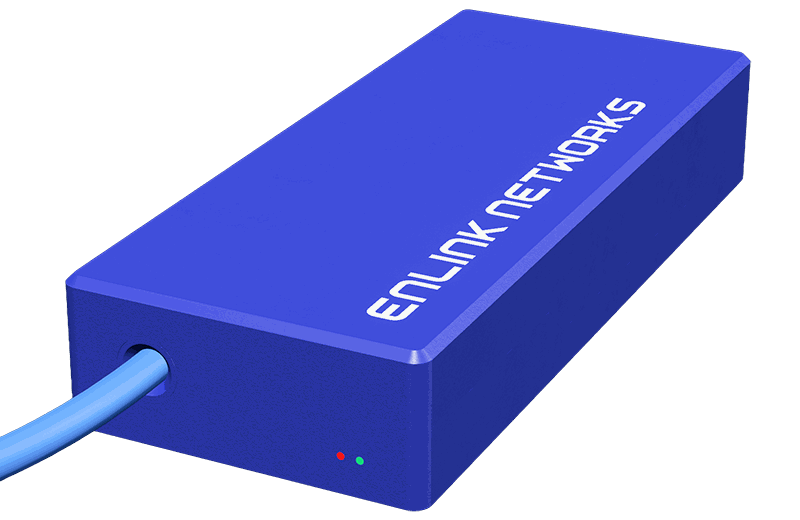
Meet the Little Blue Box™.
Designed in-house, and available exclusively for our Managed by Enlink customers, it simply plugs into your router and gets to work, monitoring your network in real time. So if something goes wrong, we can quickly pinpoint the fault — whether it's at our end or yours.
Enquire for more details